A powerful flashcard-based learning web app that lets you create and study flashcards directly from your own Google Sheets documents. It combines the flexibility of spreadsheets with effective memorization techniques.
Start LearningYour Security is a Priority: SpreadsheetMemo's authorization process and requested access scope have been successfully reviewed and approved by Google's Third Party Data Safety Team.
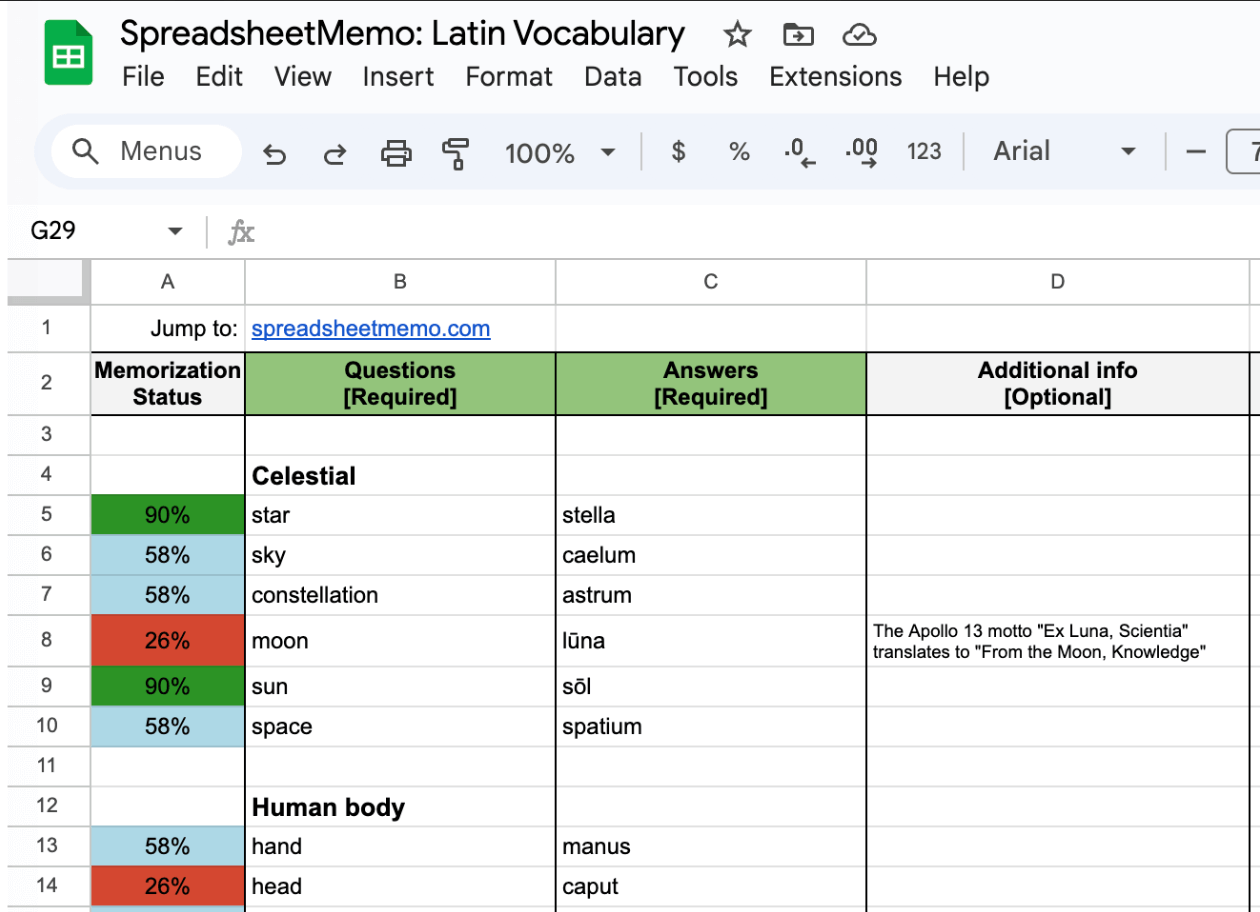
Store your flashcards in your own Google Sheets documents and master them with SpreadsheetMemo's learning system. An effective two-round system reinforces what you learn in each session.The app then prioritizes the most challenging flashcards for upcoming lessons to create a complete and personalized learning cycle.
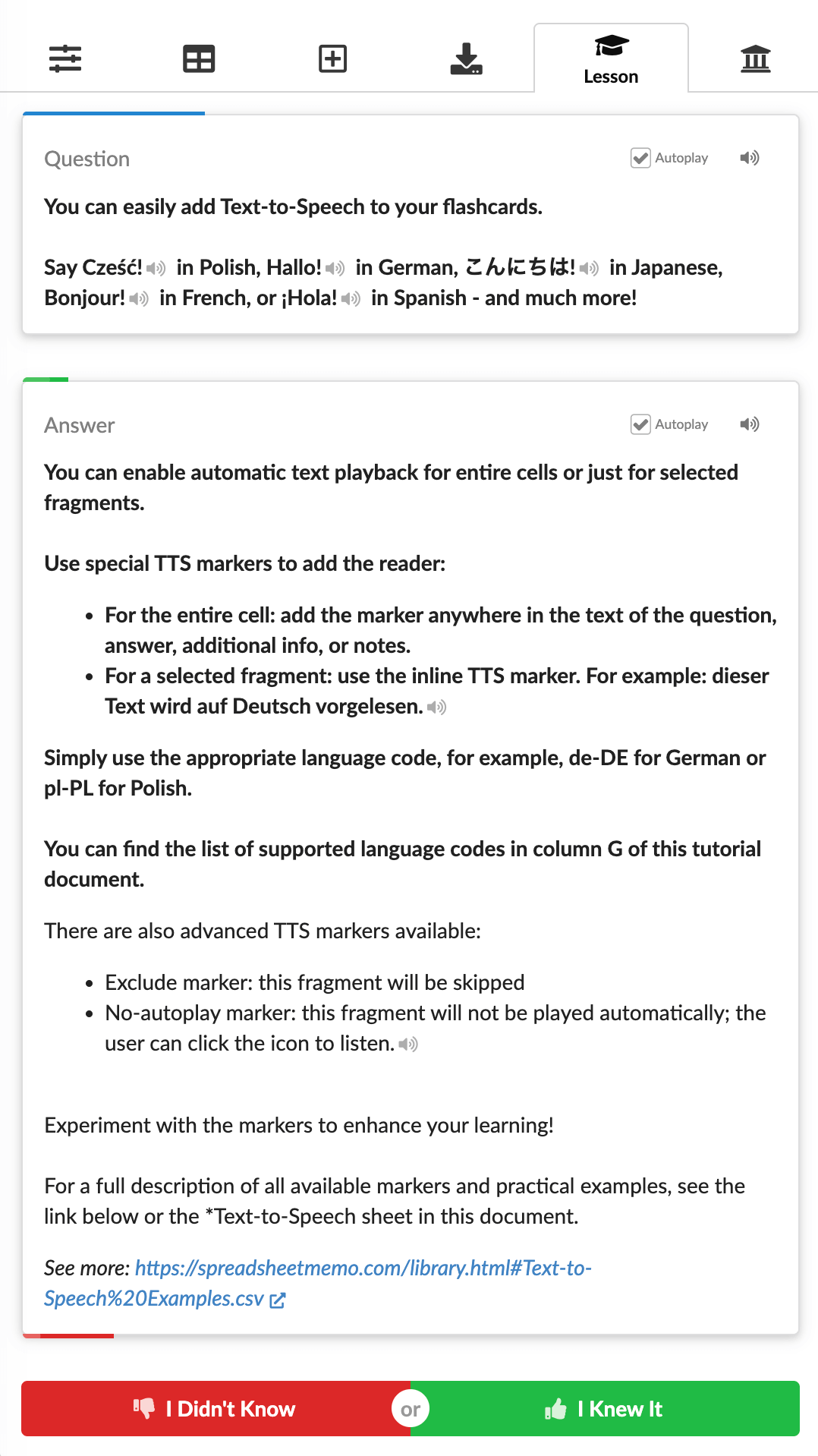
Listen to your flashcards in 30+ languages using flexible markers for entire cells or specific text fragments. Perfect for mastering pronunciation, you can mix multiple languages in a single card or control exactly what gets read aloud.Check out usage examples in the library.
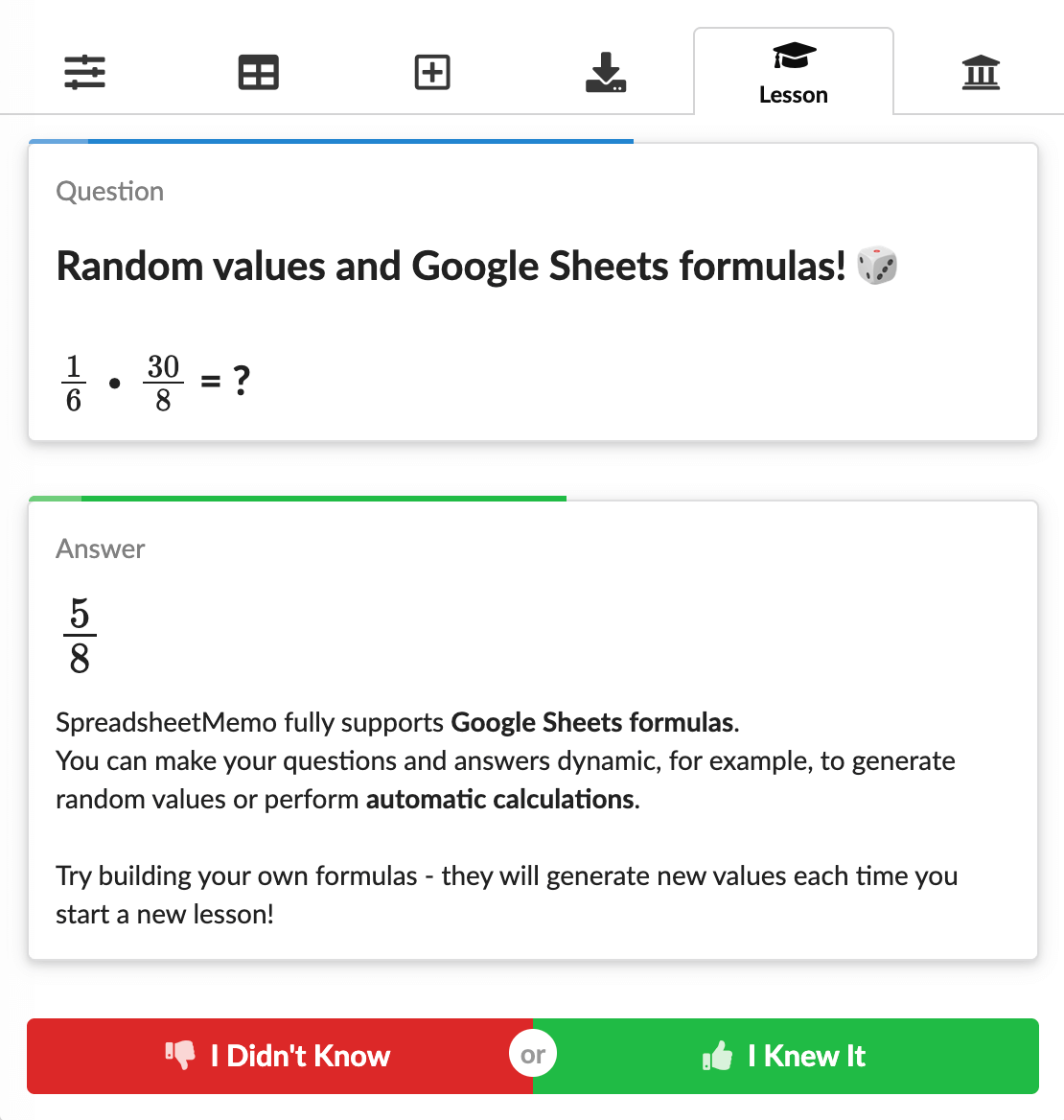
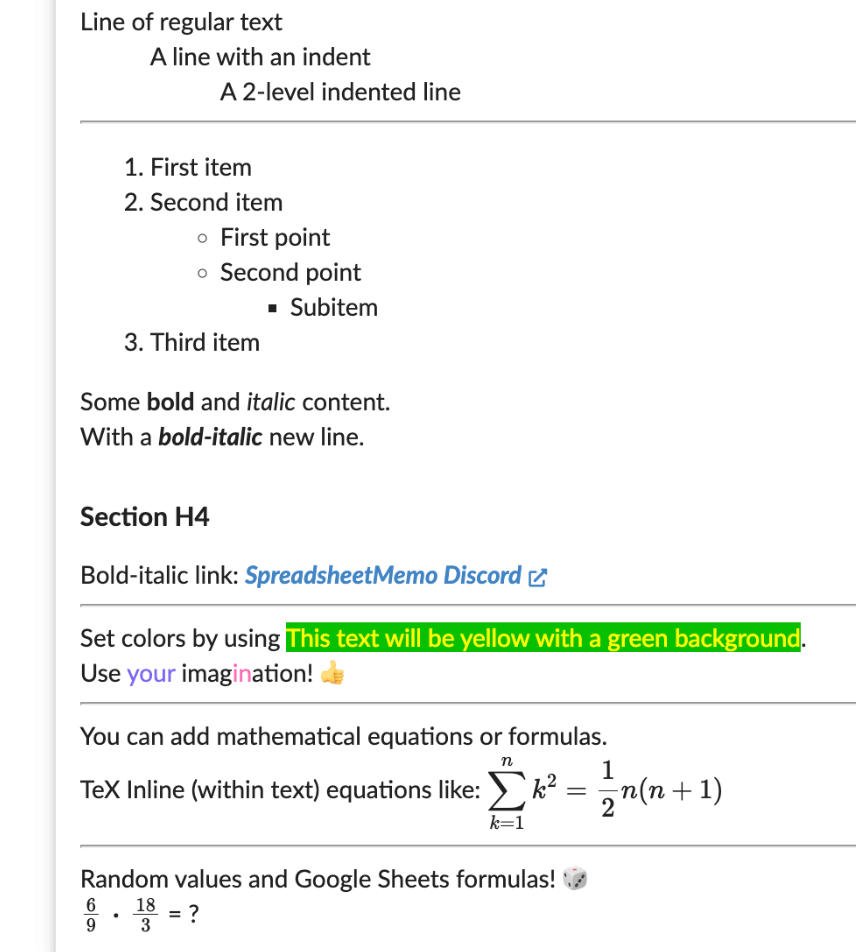
Harness the full power of Google Sheets formulas to create dynamic flashcards. Generate random numbers for math problems, concatenate text, or build complex questions on the fly. Your learning materials can be as dynamic as you need them to be.
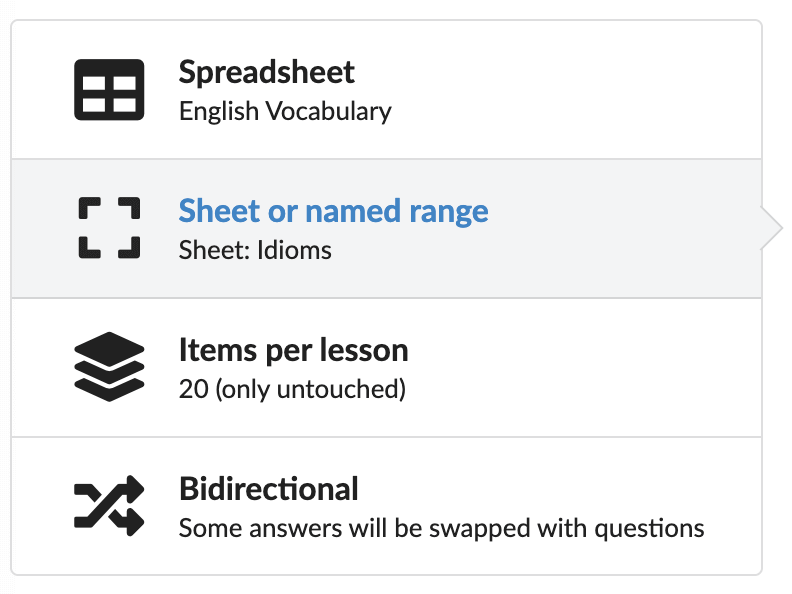
Tailor each study session to your needs. Choose which document to use, select a specific sheet or named range, and decide how many items to include per lesson. Focus on new or unstudied items, or include all items for a complete learning experience. You can even enable bidirectional mode - perfect for mastering vocabulary.
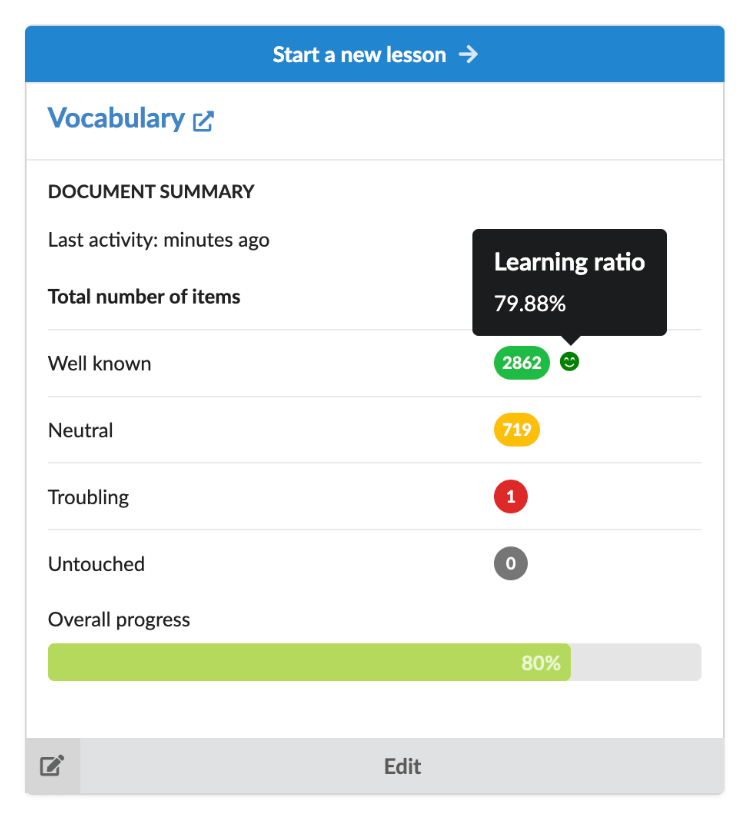
Keep your learning organized with dedicated Google Sheets for each subject, like math or vocabulary.Enjoy the full power of Google's ecosystem - seamless syncing, automatic backups, real-time collaboration, easy sharing, and printing.
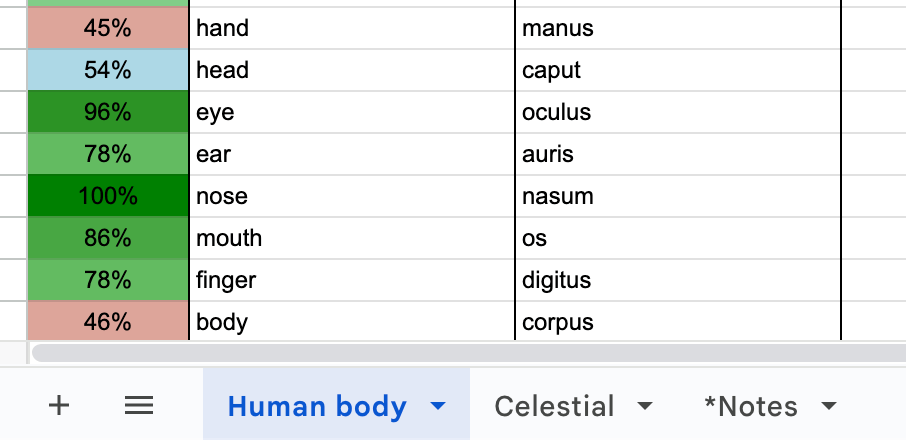
Organize content within a single document. Use sheets (tabs) to separate topics like 'Idioms' and 'Phrasal Verbs', or leverage Named Ranges to slice your material into smaller, focused parts. Perfect for complex subjects.
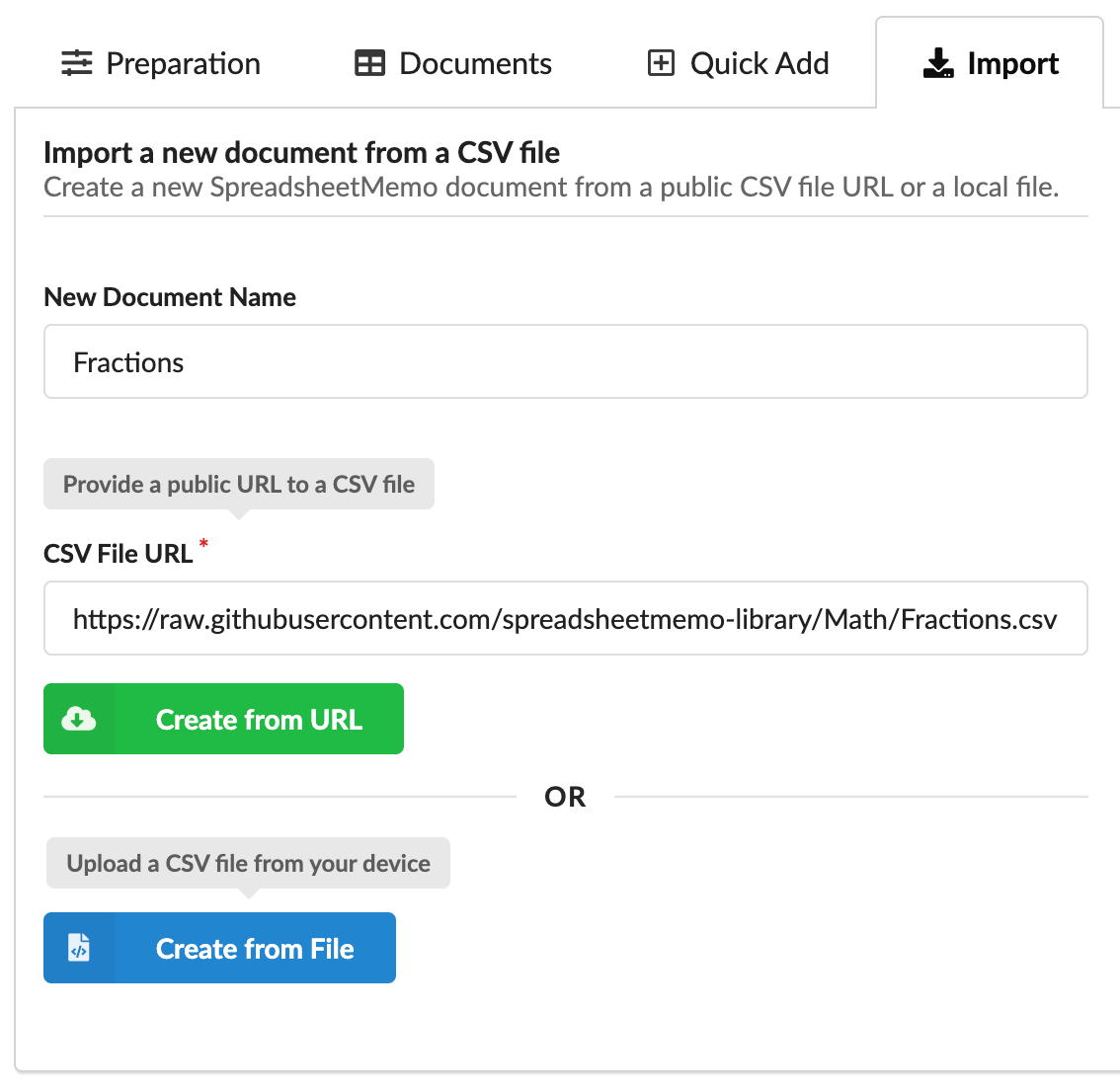
Quickly import data from CSV files on your computer or via a URL. You can create a brand new Google Sheets document or add the data to an existing one, making it easy to expand your learning sets.Don't forget to check out the Open Flashcard Library for ready-to-use sets.
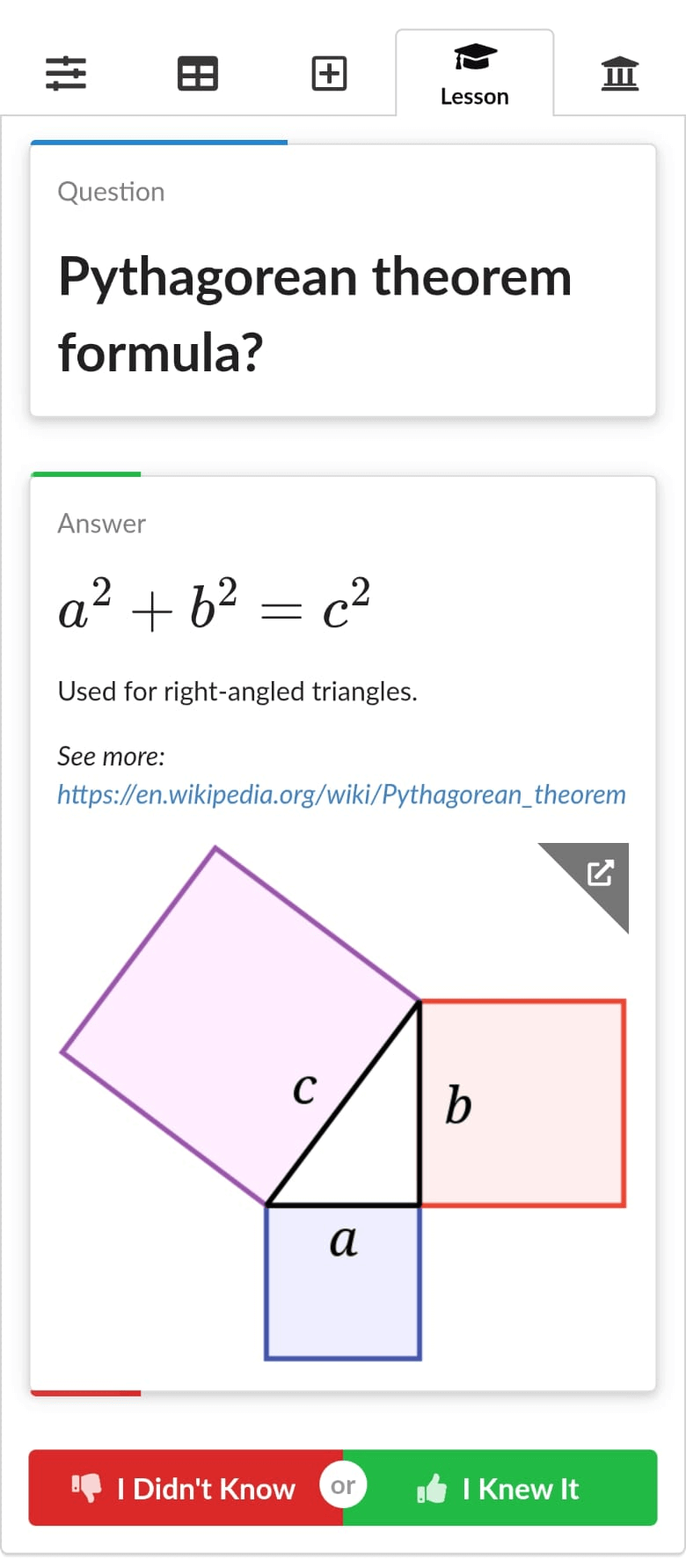
Study anywhere, anytime. Works seamlessly on computers, tablets, and smartphones. All you need is a web browser and a Google account!
A free collection of ready-to-use learning documents that you can import directly into SpreadsheetMemo as Google Sheets documents. It's also a place to share knowledge and support others on their learning journey.
This library is open for anyone to contribute and improve. Have a great set of flashcards to share, an idea to improve an existing one, or a correction to make? Every contribution is valuable and helps make learning better for everyone.
Browse the Library Contribute on GitHubYour privacy is the top priority. SpreadsheetMemo doesn't collect any personal information, and all your data stays in your Google Drive.
Read the Privacy Policy